Creating the breadcrumb navigation file
A properties.pcf (or breadcrumb file) is required for every folder. The breadcrumb describes the topic of the folder's content and displays at the top of every page in the folder.
- Navigate to the appropriate folder using the Pages list view (Content > Pages).
- Click the word New on the blue button or the dropdown by clicking the arrow to the right.
- Choose Folder properties.
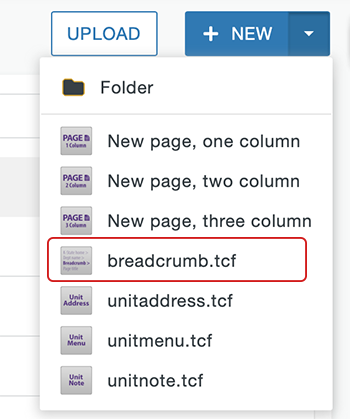
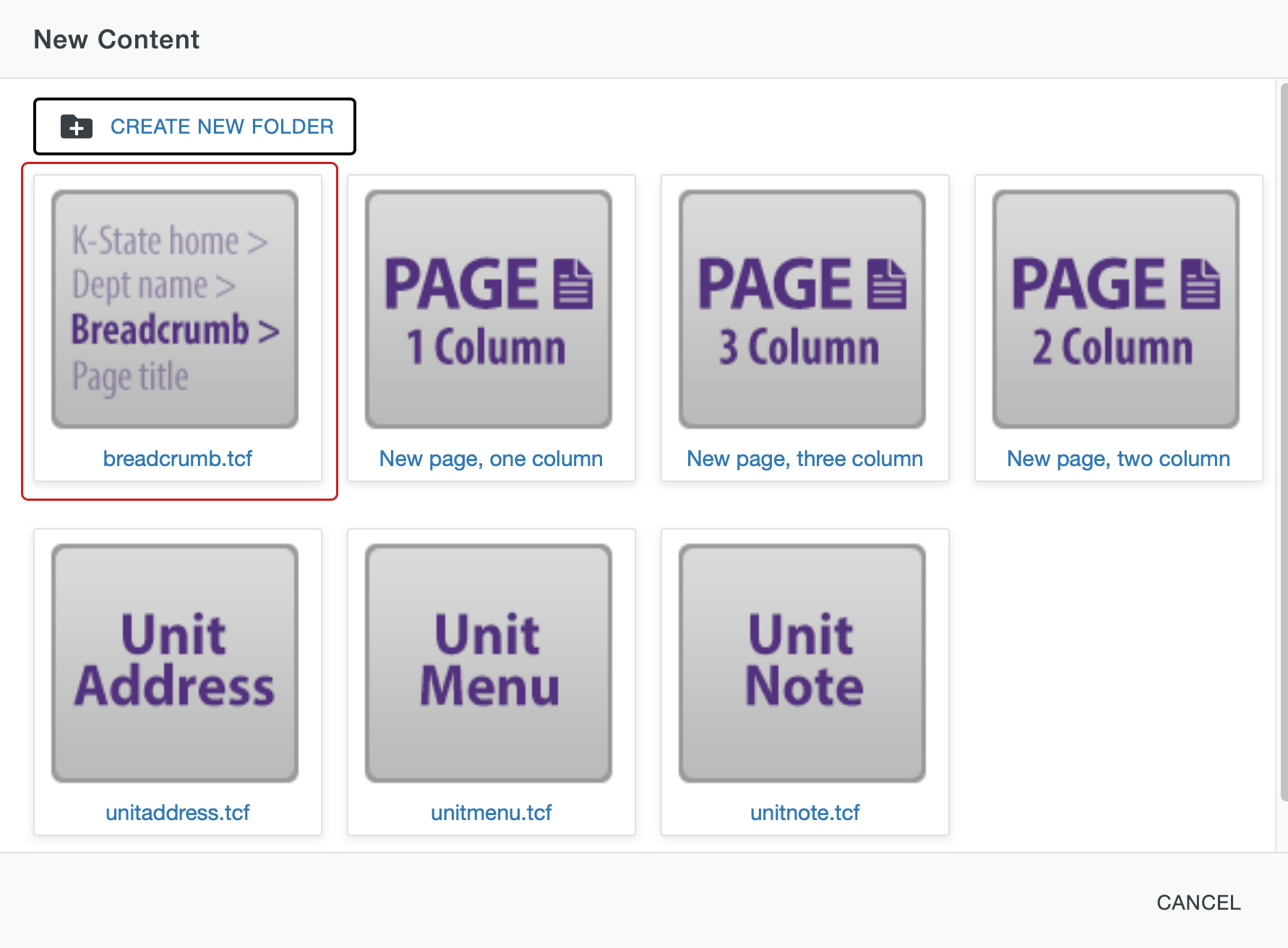
- In the Breadcrumb box, describe the topic of the folder. This is not a filename, but what will display on the page. Use proper capitalization, punctuation and spacing.
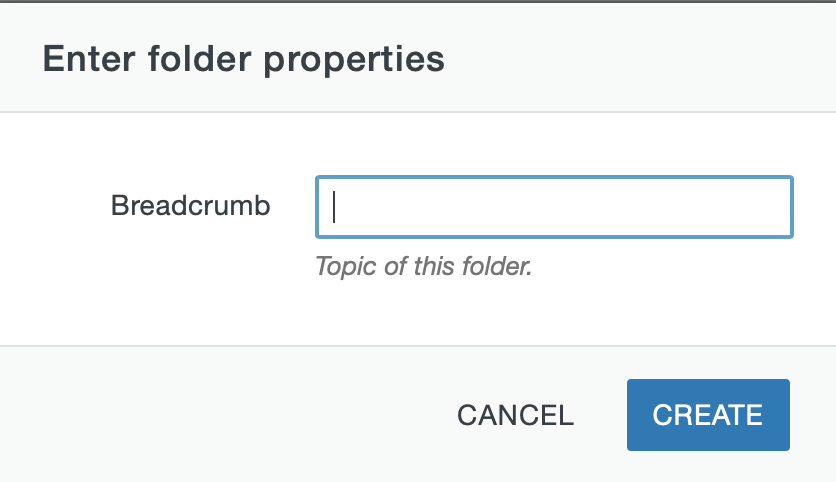
- Click Create.
- Preview the Breadcrumb and if it looks correct publish the file.