Adding a form to your page
- Open the CMS page where you want to insert the form.
- Place cursor where you want form, then in the toolbar click the Insert Form button.

- Select your form from the dropdown menu. You can type to filter.
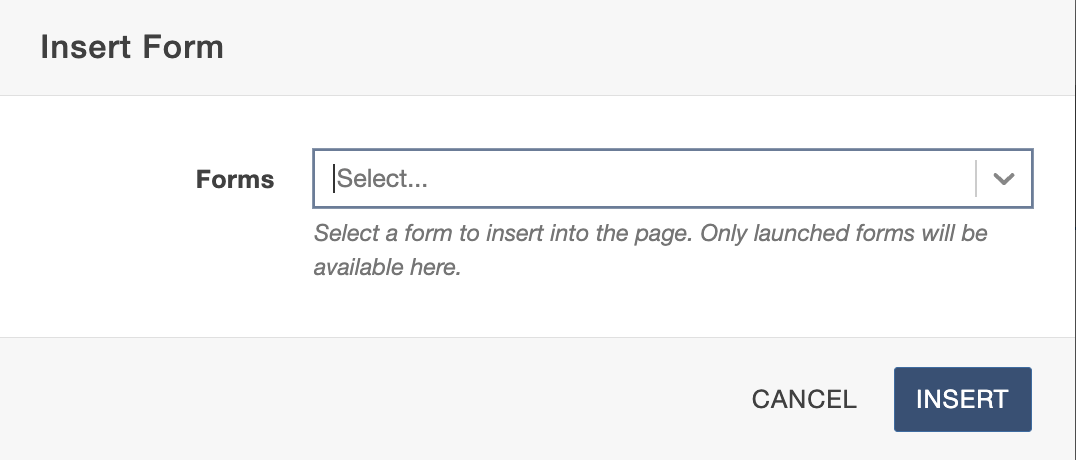
- Click Insert.
- Save and Publish the page to test the form.
Next, see accessing form submissions.