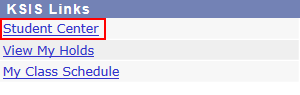
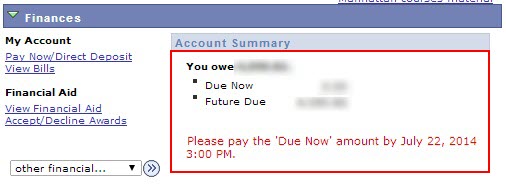
Students can Review their account balance and financial aid in KSIS as it comes available for them. To do this, use the steps below:
Note: Make sure your Internet browser is not blocking pop-ups for KSIS. It is recommended to use Internet Explorer or Firefox. Safari has known incompatibilities with KSIS. See Web Browser Recommendations and Limitations for more information.
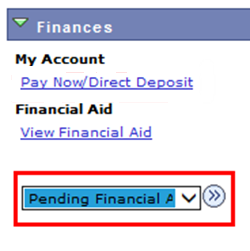
Scroll down to Finances and select Pending Financial Aid from the drop-down. Click the double arrow icon.
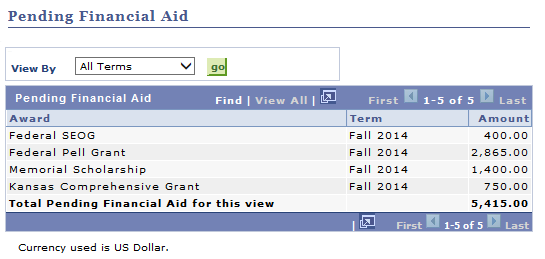
The Pending Financial aid screen displays aid that is ready to be applied to your account. If you have been awarded a certain type of aid and it is NOT listed:
Additional steps may need to be completed before funds can be released.
The funds may have already been applied to your account.