Telephone Accessories
Headsets
| Headset | Model | Price | Features | Image |
|---|---|---|---|---|
| Mirage headset | H41 | $57.75 | over-the-ear style; earpiece rests outside the ear | 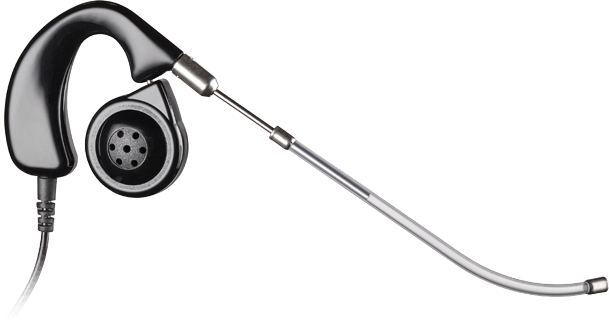 |
| Supra headset (monaural) | HW251N | $73.56 | over-the-head style | 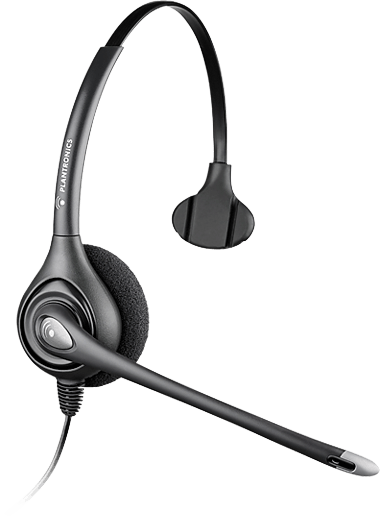 |
| Supra Plus headset (binaural) wide band | HW261 | $66.99 | over-the-head style | 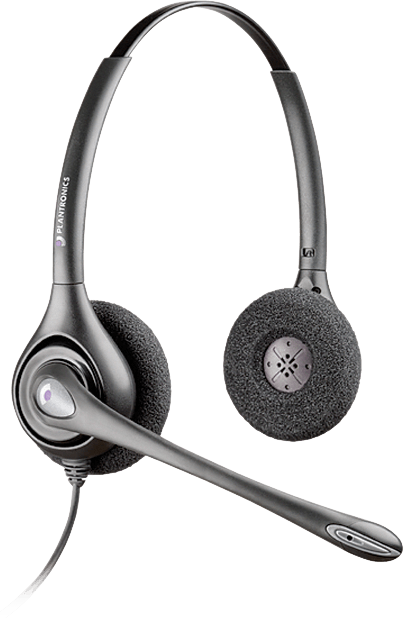 |
| Supra cordless wireless DECT headset system | CS540 | $189.00 | wireless headset system | 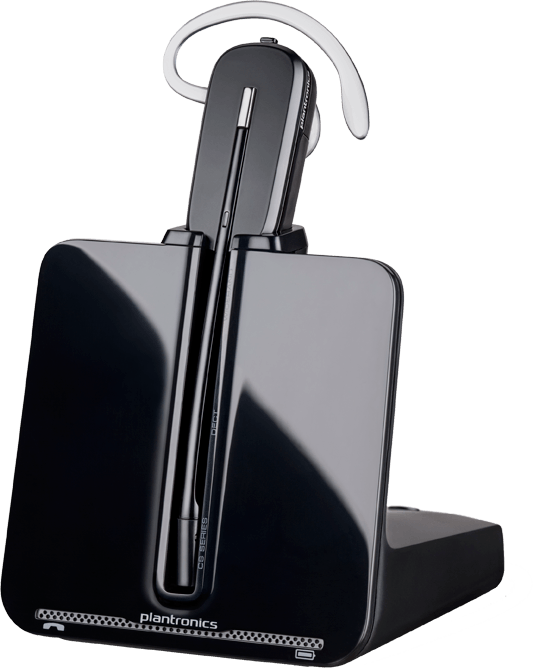 |
Things to consider when selecting office headsets:
- Choose a headset style - Over-the-head/headband, over-the-ear/eyeglass, or convertible. If headband style, decide on monaural or binaural; monaural are most popular. In-the-ear style is less available in an office headset.
- Is a disconnecting headset cable needed?
- Consider earpiece features - Adjustability, style, materials, replacement cushions, etc.
- Eartip or earbud style - Are multiple sizes and materials available? Can you position in all directions?
- Microphone features - Adjustability, noise-canceling or not, replacement supplies (cushions, voice tubes, etc.) and cost, style (flexible, fixed, etc.)
- Purchase/lease price
- Cost of supplies - Ear cushions/eartips, voice tubes, batteries, chargeable vs throwaway, cleaning products free of alcohol, etc.
- Durability
- Compatibility with phone system - multi-line vs. single, analog vs. digital. Although some equipment adapts easily to a variety of phones, K-State Telecommunications stocks equipment that will work with campus phones and can assist with special orders.
- Speaker sound quality - In-the-ear or over-the-ear w/ eartip styles are better at delivering sound to the ear. Tone setting for bass/treble on earpiece is a specialty item.Some headsets claim to have better sound quality technology.
- Comfort - Are all parts adjustable? Consider weight of headset. Headband style may be a bit heavier than eyeglass style headsets.
Telephone Amplifiers
Submit a work order and request availability and pricing.