Start the semester with these K-State IT resources
A new semester is underway, and K-State offers technology resources to help you connect, get work done and find help when you need it. Here are a few resources worth knowing about this semester.

IT resources at a glance
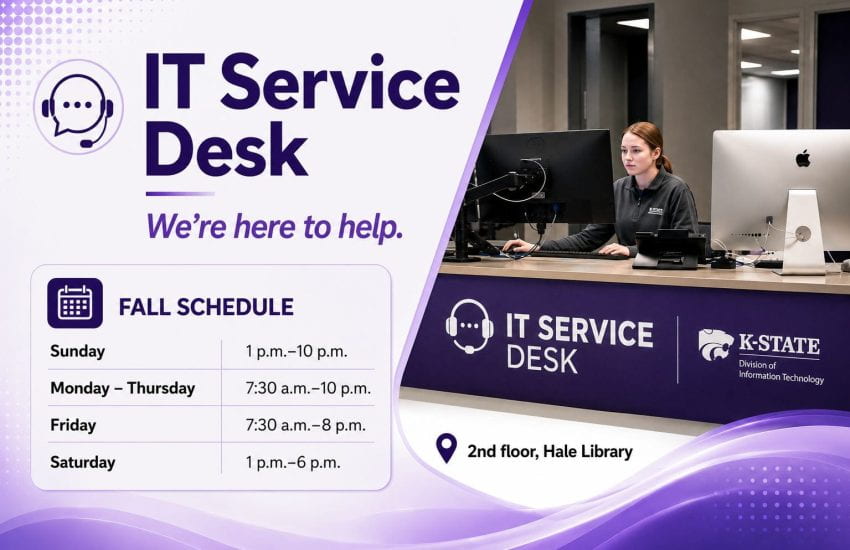
- IT Service Desk: Have an IT question or technology issue? The IT Service Desk can help with email, eIDs, passwords, Microsoft 365 and other technology questions. Visit the Service Desk on the second floor of Hale Library or get help online.
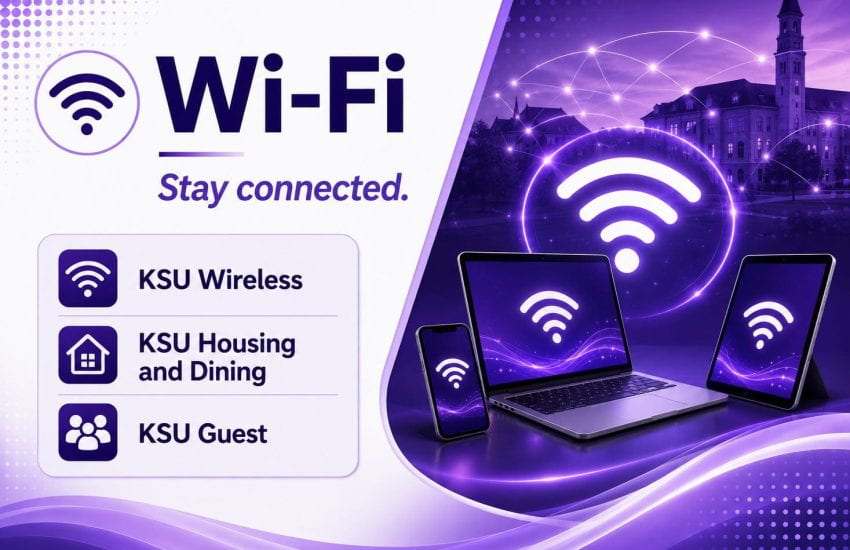
- Wi-Fi: Connect to K-State wireless using KSU Wireless, KSU Housing and Dining, or KSU Guest. Choose the network based on where you are and how you’re connecting.
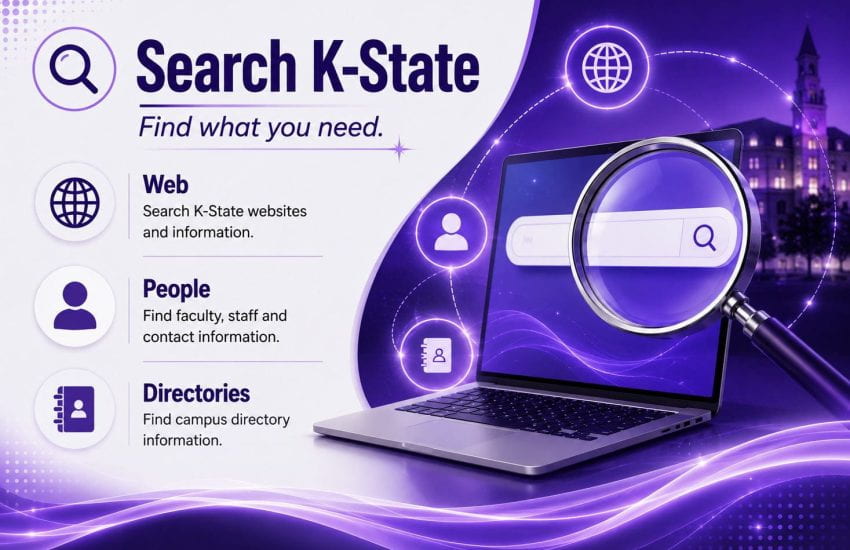
- K-State Search: Find K-State websites and information using Web Search, look up faculty and staff contact information with People Search, or browse campus directories.
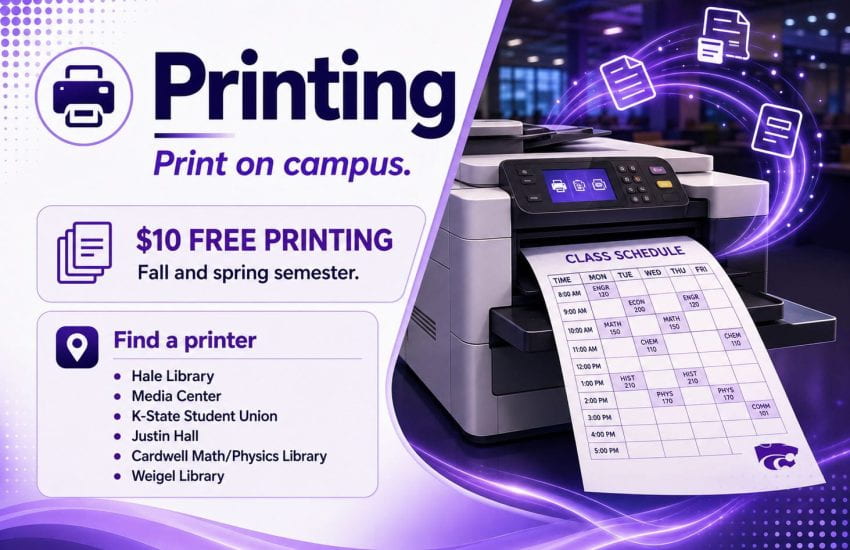
- Printing: Students receive $10 in free printing at the beginning of the fall and spring semesters. Printers are available at several locations across campus.
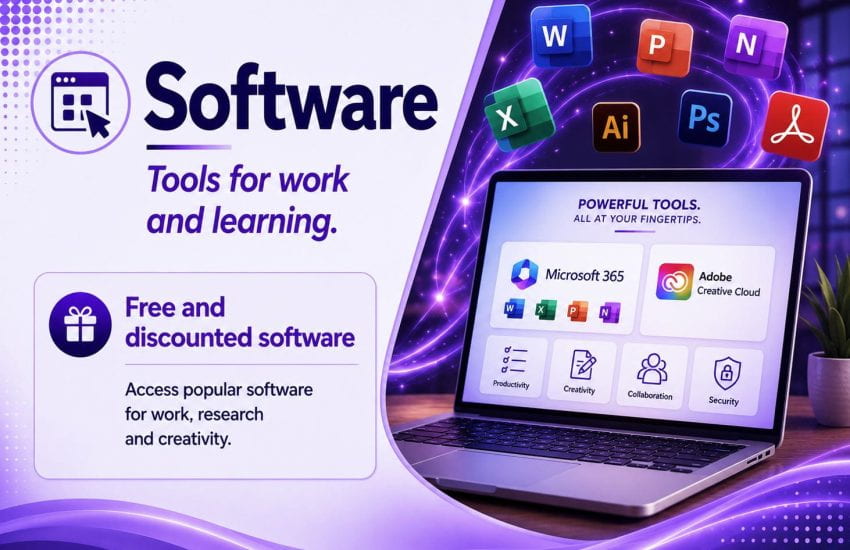
- Software: Access free and discounted software for work, learning, research and creative projects, including Microsoft 365 and other commonly used applications.
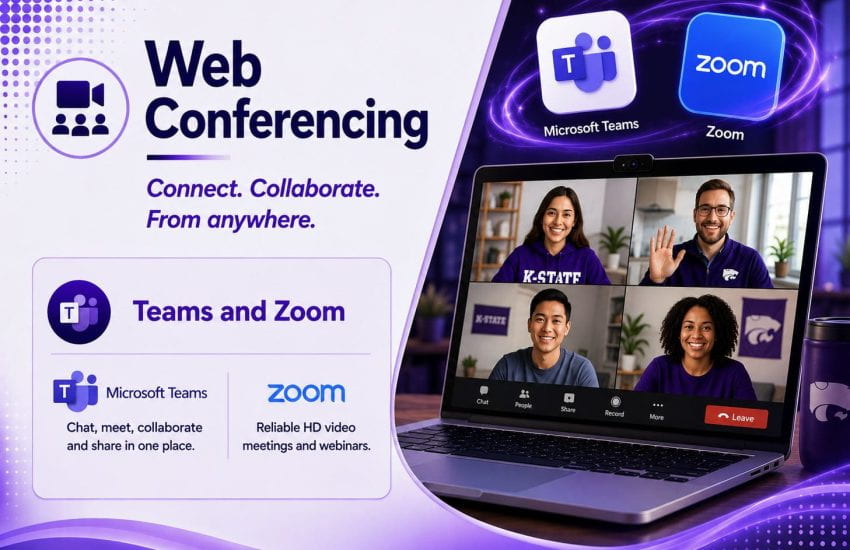
- Web conferencing: Connect and collaborate online using Microsoft Teams and Zoom.
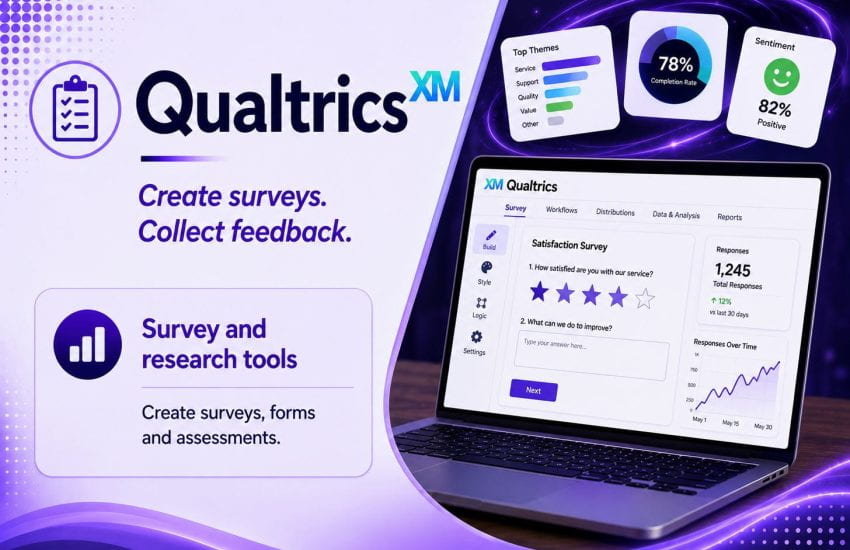
- Qualtrics: Create surveys, forms and assessments, collect responses and analyze results using Qualtrics.
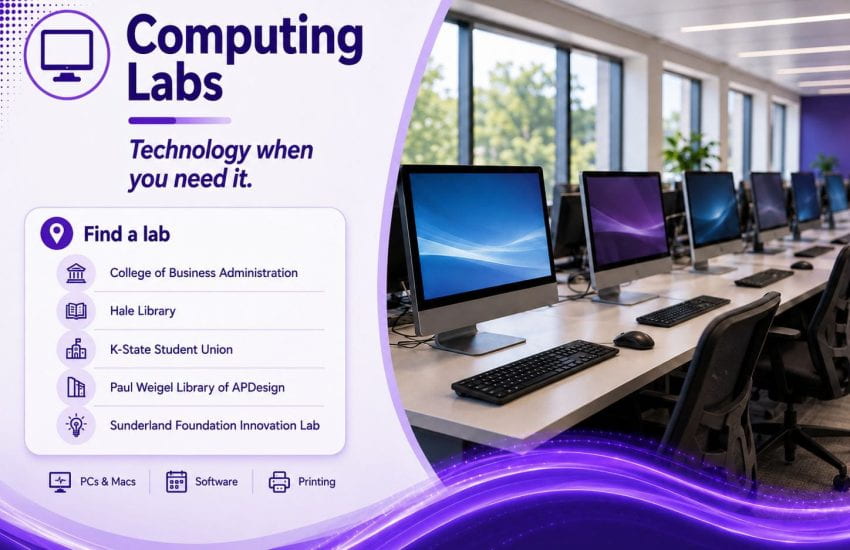
- Computing labs: Need access to a computer on campus? Computing labs offer PCs and Macs, software and printing at several campus locations.
- Equipment checkout: Borrow laptops, tablets, cameras, audio and presentation equipment, cables, adapters and other technology for short-term use.
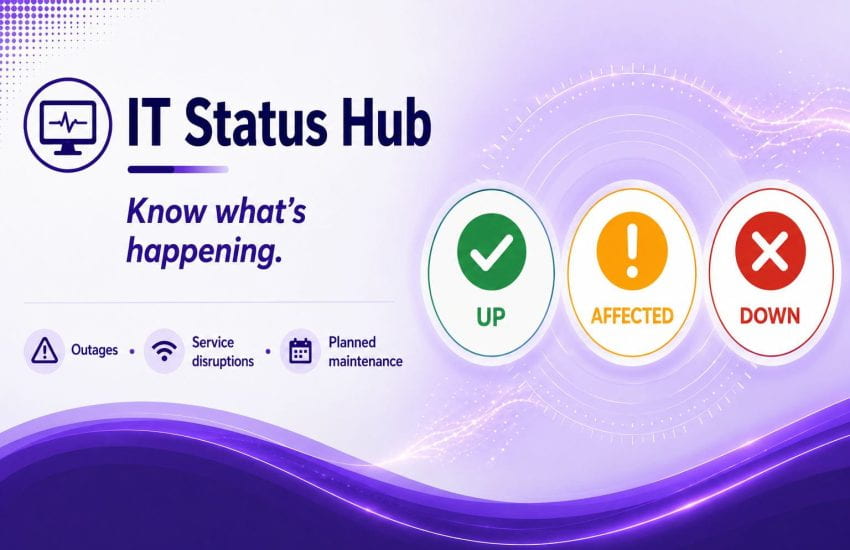
- IT Status Hub: Check for outages, service disruptions and planned maintenance before spending time troubleshooting a service that may already have a known issue.
Need IT help?
- Knowledge Base: Find step-by-step instructions, how-to guides and answers to common technology questions.
- IT Service Portal: Submit a help request or find IT services available to the K-State community.
- IT Service Desk: Not sure where to start? Visit the second floor of Hale Library or contact the Service Desk for help finding the right resource or resolving a technology issue.
Whether you’re looking for a place to print, software for a project or help with technology, K-State IT resources are available throughout the semester.