What can you find in the IT Service Portal?
The IT Service Portal is your central hub for technology support and services at K-State. From account help to software access, it provides a fast, organized way to get assistance and find answers when you need them.
The portal helps streamline your technology experience by bringing everything into one place. It allows you to:
- Resolve technology issues more efficiently.
- Track the status of your requests in real time.
- Access step-by-step troubleshooting and how-to guides.
- Connect directly with the IT Service Desk.
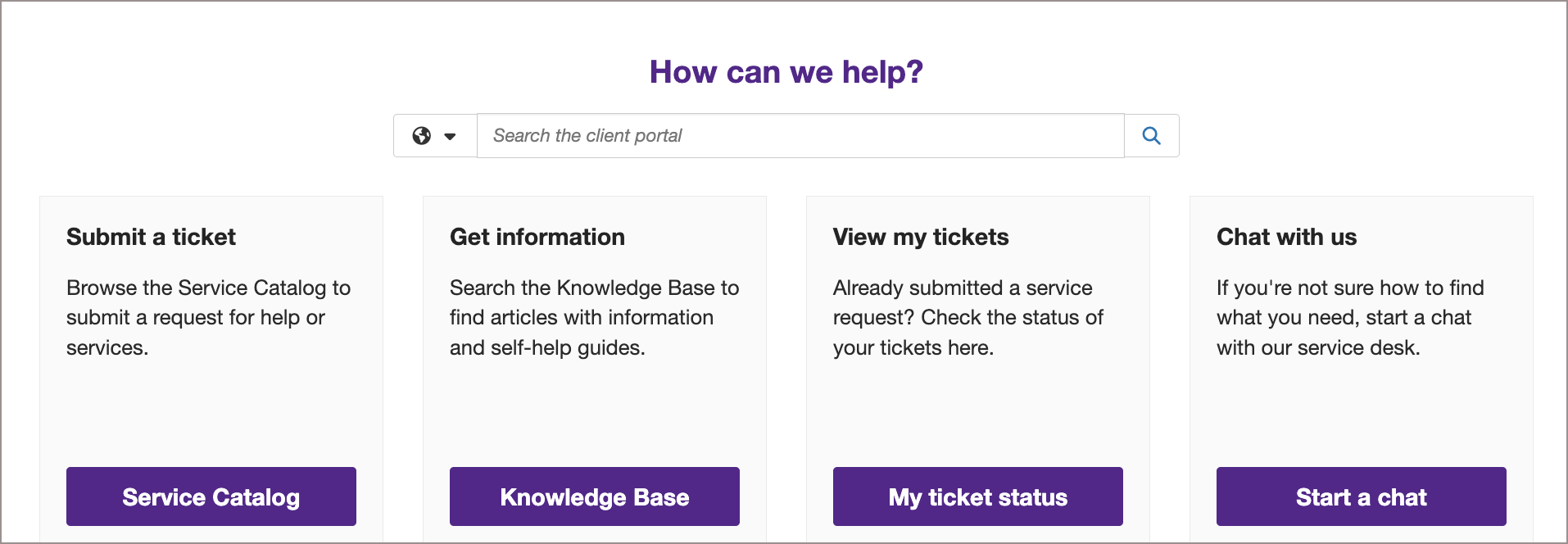
Key features
Submit and track requests
- Request help with technology issues.
- Track progress on your open requests.
- View past support history.
Browse IT services
- Duo and account access.
- Email and collaboration tools (Outlook, Teams, OneDrive).
- Software and hardware support
- Network and Wi-Fi services.
- Classroom and instructional technology.
- and more.
Search the Knowledge Base
- Step-by-step technology how-tos.
- Troubleshooting tips.
- Getting-started articles for common tools.
- Cybersecurity and data protection guidance.
Report issues
- Outages and performance problems.
- Classroom equipment issues.
- Network and system access problems.
Access forms
- Software requests.
- System access requests.
- Training and consultation requests.
The IT Service Portal makes it easier to get help when you need it and discover the many IT services available at K-State. Bookmark it, explore the resources, and submit requests whenever you need support.