New calendar question in Qualtrics
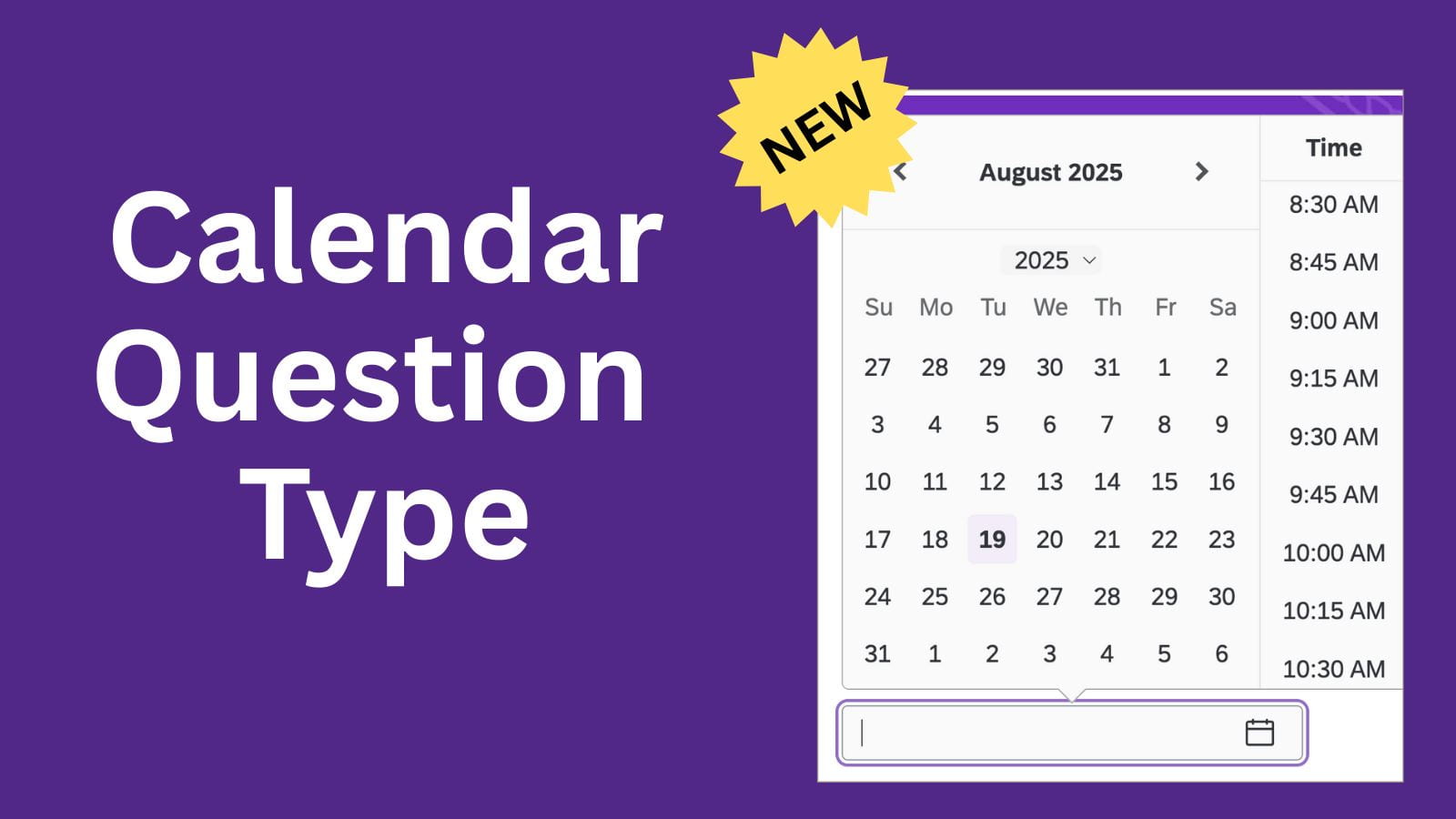
The calendar question allows users to input a date and time using a calendar in the survey.
Before you can add the calendar question type, you must enable the new survey-taking experience.
This must be done for each survey, and you can only do this for 1 survey at a time.
Enable the new survey experience
- Open the survey where you want to enable this experience.
- On the left navigation, click the Look and feel button.
- Click Upgrade to activate it for this survey.
- On the left navigation, click the Survey button and then click Yes to save the settings.
Add the calendar question
- Click Add new question.
- Select Calendar.
- On the left navigation under Format, click the calendar type and then select the desired time interval..
Note: Respondents can type any time into the text box, regardless of the interval displayed.
If you have any questions about Qualtrics, submit a Help Ticket to the IT Service Desk.