Beware of impersonation phishing scams
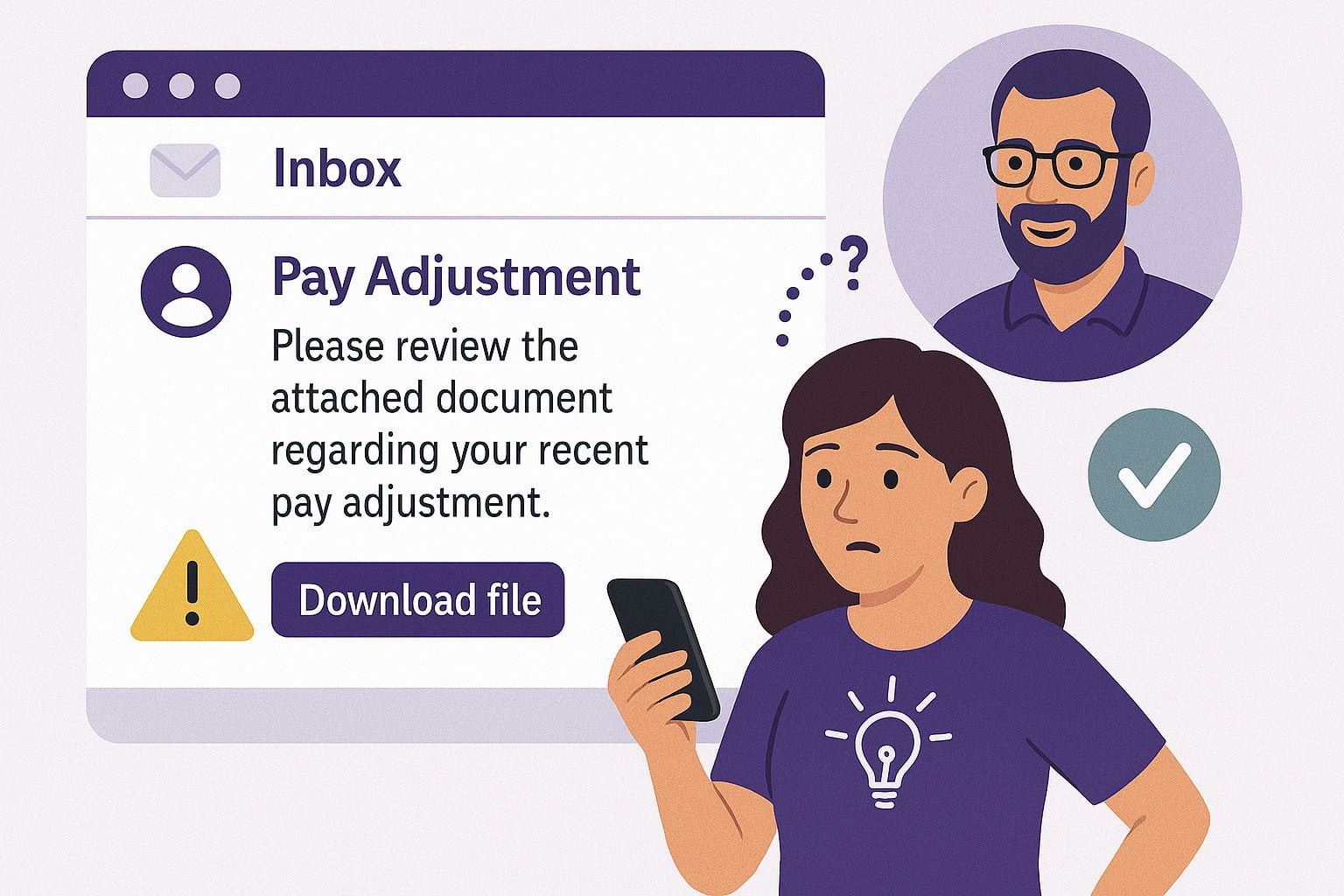
Beware of impersonation scams! An impersonation attack occurs when a cybercriminal impersonates a trusted person or organization.
Example
A scammer sends an employee an email impersonating a department head, asking the staff member to download a file about a pay adjustment. Instead of clicking the link in the email, the alert employee checked with the department head to see if they had sent the email. The supervisor hadn’t sent the email. This was a scam.
The attacker’s goal is simple: build trust long enough to steal credentials, money, or private information.
Why it works
Impersonation attacks prey on trust and urgency. You’re more likely to respond quickly when you think the request is coming from someone you know or when the message pressures you to act fast. Scammers often use authority figures—like executives, professors, or IT staff—to make their messages more believable.
Watch for these red flags:
- Unexpected requests for money, gift cards, or personal details.
- Urgency or secrecy, like “Don’t tell anyone else” or “Do this immediately.”
- Lookalike emails that swap a single letter or number in the sender’s address.
- Generic greetings such as “Dear user” instead of your name.
- Unusual tone—does the message sound different from how this person normally communicates?
Remember: Don’t open email links or unexpected or unusual attachments, attachments from strangers or strange-looking emails.
Any email attachment or link can carry software designed to damage or exploit your device or network. The malware will launch once you open the attachment or click the link. Vigilance and skepticism are our best defenses against impersonation scams.
Tips to prevent becoming a victim of phishing scams:
- Don’t reply to a suspicious, unexpected or strange email.
- Be wary of emails with urgent requests for your personal or financial information or your sign-in credentials.
- Don’t open unexpected or unusual attachments, attachments from strangers or strange-looking emails.
- Don’t click links in unexpected emails, emails you suspect are fraudulent or if you don’t know the sender.
- Don’t click Sign In links. Go to the business website and sign in there or contact their customer service for help.
- Avoid filling out forms in email messages that ask for financial information. Only share credit card information via a secure website or telephone.
If you receive a suspicious email, forward it to abuse@ksu.edu and include the email headers in your message.