Automate weekly email reminders with Power Automate
Do you have to send the same emails over and over? Automate it with Power Automate. If you’ve ever spent a Friday afternoon tracking down project updates or rewriting the same summary email, this is for you.
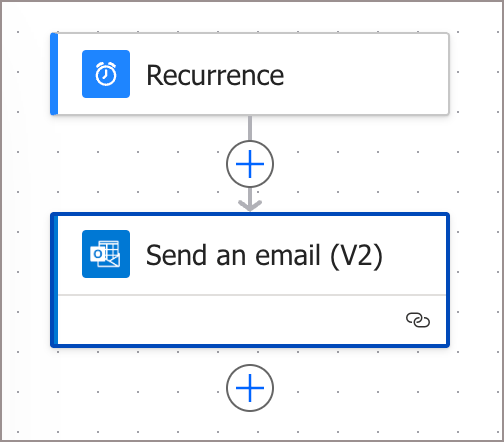 Set Up a Reminder with Power Automate
- Open Power Automate.
- Click Create > Scheduled cloud flow.
- Give it a name.
- Choose the frequency you want the email to be sent.
- Click Create.
- Click the + action button.
- Search for Send an email.
- Fill in the email and then on the top navigation, click Save.
Note: It is recommended to send it to yourself first to ensure it works properly.